
 T8
T8 MK1
MK1 SF6
SF6 GBVSR
GBVSR 2XKO
2XKO SSBU
SSBU T7
T7 DBFZ
DBFZ BH
BH GGST
GGST SC6
SC6 SG2E
SG2E KI
KI MVS
MVS KoFXV
KoFXV MBTL
MBTL SF5
SF5 MK11
MK11
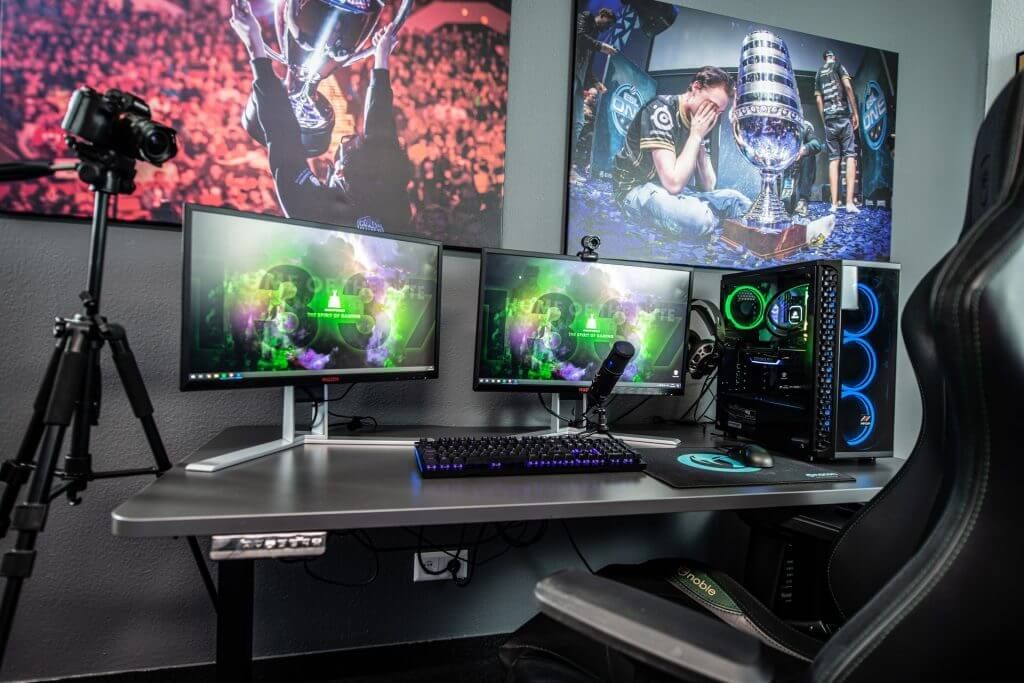
As the popularity of online gaming continues to soar, so too do attempts by hackers and corporations to access players' personal information for their own gain. Here are some cautionary tales about how gamers were hacked. You should not think that game safety is maximum by default and nothing depends on you. For example, in 2021, EA was hacked. But with a few simple steps, gamers can enjoy all the perks that come from virtual adventuring without worrying about privacy breaches - here are 10 ways you can stay secure while taking on brave new digital challenges!
#1 Update your antivirus
Protect your gaming experience - make sure you stay one step ahead of the cyber villains! Install a reputable anti-malware program and keep it as up-to-date as possible. Else, they may try to get access by disguising malicious software in legitimate game downloads or taking advantage of known exploits on unpatched operating systems and browsers. Don't let yourself become an easy target - invest time in staying secure online!
#2 Use a strong password manager
Protect yourself from hackers and safeguard your data in the digital world! Create unique logins for each of your accounts with a password manager, so that even if something takes place on the provider's side, you still have control over who gets access to what. Don't let cyber attackers get one up on you - boost security today by customizing passwords across all of your platforms.
#3 Install a VPN
By using VPN for browsers and separate applications, you can ensure that other users do not know your real location and IP address, which means that a DDoS attack becomes impossible. If you are worried about your data privacy, there are different ways to protect yourself. For example, VPN hide your IP and encrypts the data. VeePN is even able to improve response, lower latency, and reduce ping while optimizing your internet connection. Plus, you can choose which server to connect to worldwide. This is especially useful when games force you to connect to a server based on your region of residence.
#4 Enable MFA on your account
Protect your account from hackers by enabling multi-factor authentication. Make sure they need more than just what you know, like a physical token or the unique verification of your fingerprint to access private information!
#5 Block data collection
Playing your favorite video game can be a great way to relax - but did you know that some of them have sneaky services installed in the background, secretly collecting data about you? With a few adjustments to your Windows hosts file, though, you can take control and block these invasive programs from siphoning off personal information. All it takes is adding an IP address (0.0.0.0) and hostname associated with the service - then watch as they're rerouted away from troublesome remote servers! Another option is to trick the system by installing a VPN. In this case, the game will not be able to collect real user data. You can learn more about these details of connecting to a VPN and its role in the life of a gamer in the reviews. This is the real primary source of truthful information, which is constantly updated.
#6 Unlink your social media accounts
Stay secure while gaming online by disconnecting your social media accounts. Game companies such as Riot Games, Blizzard, and Bethesda Softworks keep an eye on all of your in-game conversations - including what you post elsewhere! To protect yourself from unnecessary intrusions into privacy, avoid connecting platforms like Facebook to any game account.
#7 Avoid using external cheat applications
Playing a game to win is something most of us strive to do, but we should be careful when it comes to cheating. Downloading certain applications that provide our character with superhuman abilities can have far-reaching and disastrous effects on not only other players' gaming experience - but also your own security! Hackers may use these apps as an opportunity for stealing personal information or even using your computer for unauthorized cryptocurrency mining. They could also lock you out of all access until you pay up in ransom money, leading to complete isolation from the game itself too! So before playing fast and loose by downloading cheats, consider if it's worth risking losing everything over just winning one battle.
#8 Use gaming mode on your antivirus
As gamers know, there's nothing worse than having your online play disrupted by an overzealous antivirus program. Thankfully, many popular security solutions come with a special gaming mode that helps keep your computer safe while ensuring seamless gameplay. This feature mutes notifications and pauses background scans to reduce the load on processing power - allowing you to concentrate solely on enjoying great experiences without interruption or lag! For maximum performance boosts during lengthy sessions, some programs also include individual game boosters and device cleaners which can be activated when switching into their 'gaming' profile.
#9 Use a firewall
Gaming online can be a risky activity if you're not prepared, but setting up your Windows Firewall is simple. Instead of disabling the firewall entirely, grant access to just your video game and its client - it's that easy! This way, you'll still have full protection without sacrificing any connectivity during online play.